It names the file for you
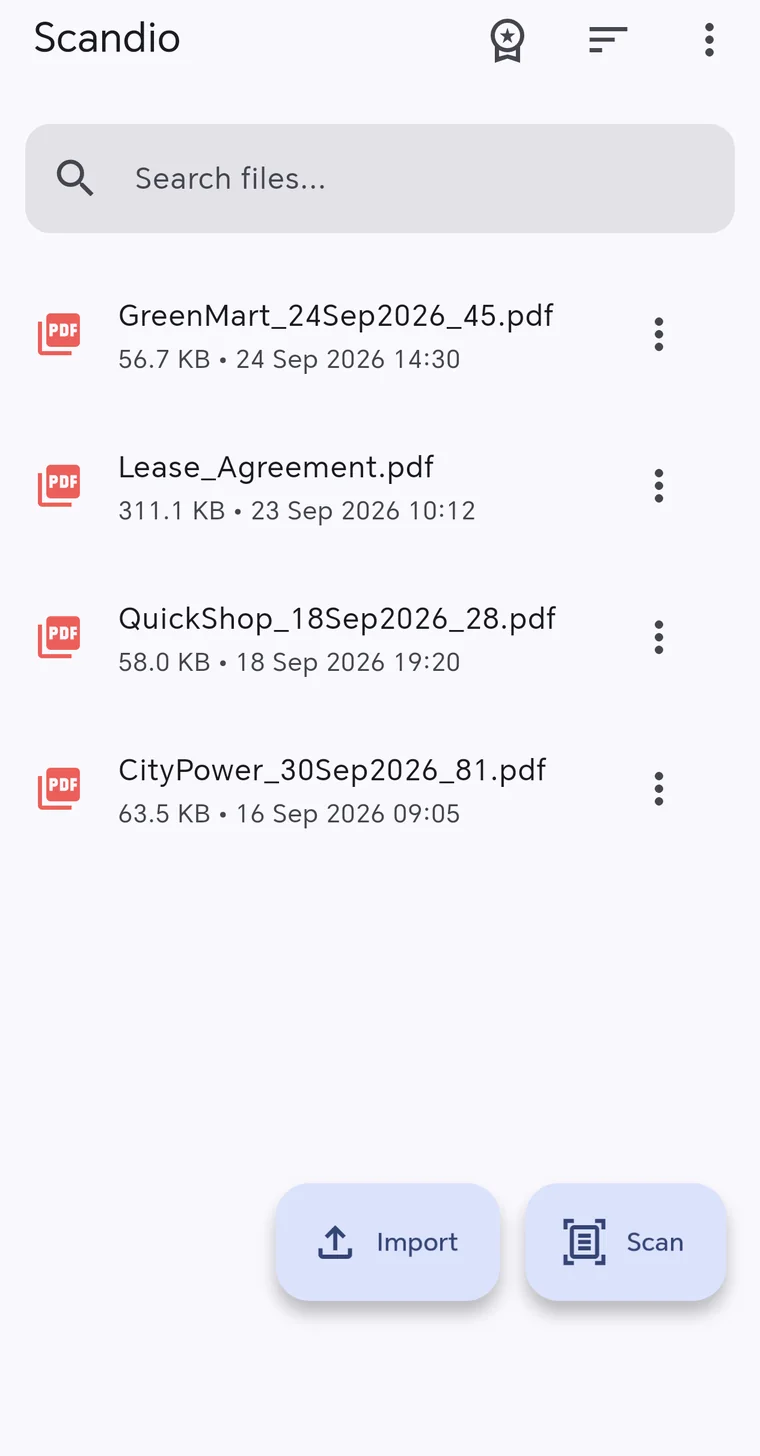
Scan a receipt or an invoice; Scandio reads the merchant, the date and the total, then suggests a meaningful file name like "GreenMart_24Sep2026_45". Change it whenever you like.
Scandio turns your document into a clean PDF in seconds, reads its content to name the file for you and adds your signature and stamp. No account needed.

Scan a receipt or an invoice; Scandio reads the merchant, the date and the total, then suggests a meaningful file name like "GreenMart_24Sep2026_45". Change it whenever you like.
Draw your signature on the screen or upload a photo of your handwritten one — the background is cleaned automatically. Add your stamp once and reuse it on any document. On a five-page contract, sign each page separately, then drag the signature around and resize it.
Scandio asks for no account. Your scans, your signature and your stamp are stored only on your phone and are never uploaded to a server. Scanning and text recognition happen on the device.
Finds the edges and straightens the page; pick a color, grayscale or black-and-white filter.
Scan up to 20 pages and get them all in a single PDF document.
Open and read your PDFs right inside the app.
Add the PDFs and images on your phone and open all your files in one place.
Search your files, sort by date, name or size, rename and delete.
Send a document to WhatsApp, email or any other app in one tap.
Point the camera at the document; Scandio finds the edges and crops it.
Accept the file name Scandio suggests, or change it.
Add your signature and stamp if needed, then send the PDF.
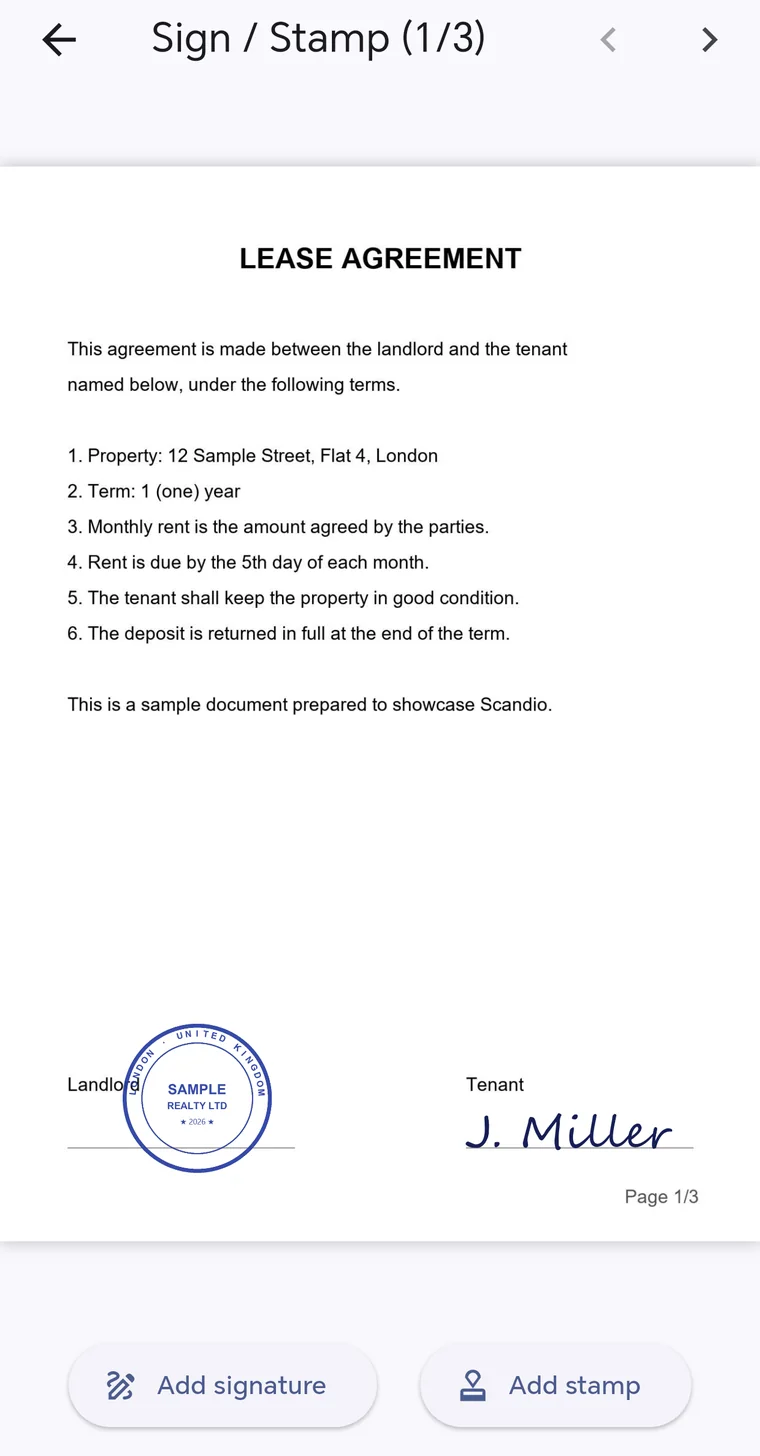
Scan a lease, service or employment contract, sign every page and send it back.
Keep expense documents filed with the date and the amount already in the name.
Turn petitions, application forms and certificates into clean PDFs.
Scan class notes and assignments and collect them in one PDF.
All of Scandio's core features are free. Premium removes the ads. You can see the current prices inside the app.
Yes. Scanning, PDF creation, smart naming, signatures and stamps are free. The free version shows ads; Premium removes them.
Only on your phone. Scandio requires no account and never uploads your documents to a server. If you delete the app, the documents are deleted with it — remember to back up important ones by sharing them.
No. Scandio places an image of your signature on the document; this is not a secure electronic signature under Turkey's Law No. 5070. Where a handwritten or electronic signature is mandatory, use the method the authority requires.
It works best on receipts and invoices, looking for the merchant, the date and the total line. Information it cannot find is never added to the name, and you can always change the suggested name.
For now, Android only, on Google Play.
Download Scandio for free and scan your first document in a minute.
Free download · No account needed